01
Choose tonight’s lights-out time.
Pick when you want to turn out the lights. For Tomorrow works backward from your saved routine to show you when to start.
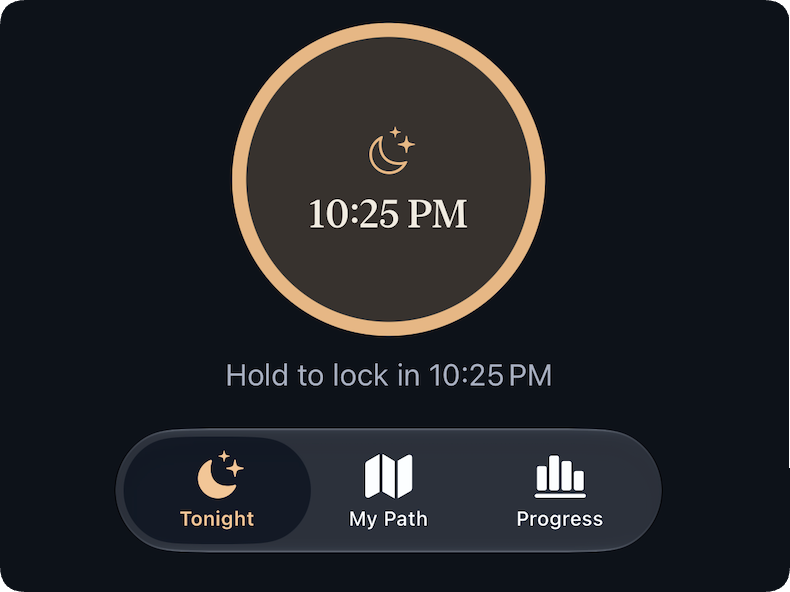
Choose when you want the lights out. For Tomorrow works backward to show you when your path to bed needs to start.
Lights out
Example routine1 hr 10 min
Path begins
9:50 PM
A familiar evening10:47 PM
You already know sleep matters. But somehow it’s 10:47, and you still need to shower and brush your teeth. The twenty minutes you wanted to spend reading doesn’t get done. Or bedtime gets pushed back.
Choose the lights-out time each night that works for you, and we’ll use your routine to let you know when to get started.
11:00 PM−1 hr 10 min=9:50 PM
Calculated backward from lights out
9:50 PM
Watch TV
30 min
10:20 PM
Shower
10 min
10:30 PM
Brush teeth + wash face
10 min
10:40 PM
Read
20 min
11:00 PM
Lights out
End
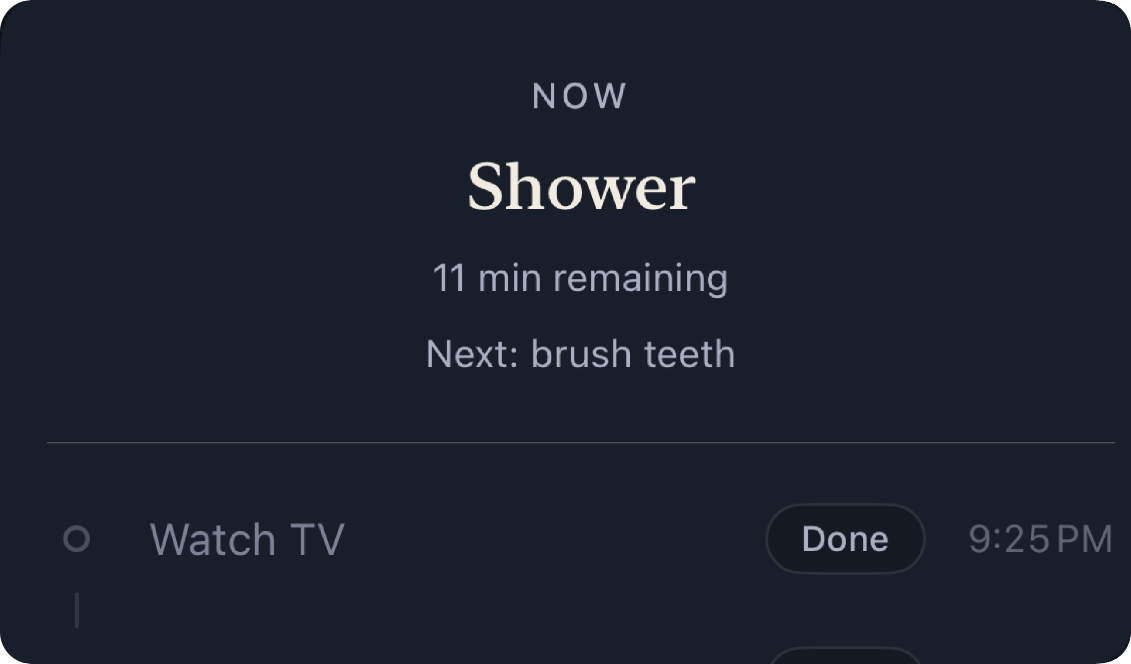
The app shows the activity you’re on, how long is left of it, and what comes next. One step at a time, in the order your routine already sets.
How it works
Set up your routine once. It’s ready for you each evening.
01
Pick when you want to turn out the lights. For Tomorrow works backward from your saved routine to show you when to start.
02
When it’s time, follow your path one activity at a time, with room for the things you need and want to do.
03
Your path leads to the bedtime you chose. Finish your routine, settle in, and call it a night.
Hear when For Tomorrow launches and when there’s something new worth sharing. Occasional emails. Unsubscribe anytime.